How Our Squarespace Products Work
Looking for a template that speaks to customers and clients
Need a plugin that solve a specific design problem and lifts customer interaction
Our Approach
We believe in keeping our template and plugins simple and clear for everyone to understand. Every product we have developed is based on client requests, their need for specific functionality and their desire to increase the visual appeal of their websites. So it is fair to say that our plugins have been successfully tested on active working sites.
How IGH Creations Templates Work

Our templates are professionally designed Squarespace websites created to help you launch a beautiful and functional site faster.
Each template includes thoughtfully designed pages, layouts, and styles that you can easily customise with your own branding, images, and content.
How template delivery works
IGH Creations templates are pre-designed Squarespace websites, not downloadable template files or products that you upload to Squarespace yourself.
After purchase, we create a new copy of the selected pre-designed site within Squarespace and send a Squarespace Contributor invitation to the email address provided at checkout. Once you accept the invitation, the site is transferred to your Squarespace account for you to customise, connect to a domain, and publish. You must purchase a Squarespace subscription in order to publish your site.
If you select installation into an existing Squarespace 7.1 website, we will work within that site after you invite IGH Creations as a contributor with the required permissions.
All Squarespace templates must be transferred or installed directly into your Squarespace account. This may be done in one of two ways:
-
We duplicate our template demo site and transfer the new site to your Squarespace account. You can then edit and customise it as your own website.
-
If you already have an existing Squarespace website, we can install the template by recreating the design and styles directly inside your current site.
Both options allow you to quickly launch a professionally designed website while still giving you full control over your content and customisation.
Template Essentials: Frequently Asked Questions
Still have questions? Take a look at the FAQ or reach out anytime. If you’re feeling ready, go ahead and buy.
-
A 12-month Squarespace trial works like the standard 14-day trial but lasts 365+ days. All Squarespace features are enabled, so you can continue building your site in the background. You can create multiple trial sites in your account and make edit to the subdomain and use pass-protected mode to view abd grant access.
To go public, a Squarespace subscription is required. A 12-month trial automatically gives 25% off any yearly plan at checkout.
-
Yes. We can upgrade your site to 7.1 and install a new template. Please purchase the existing site installation package at checkout.
-
We can migrate blog posts from a 7.0 site to a new 7.1 site. Migrating blog comments and e-commerce data (customer orders) is not possible.
After purchasing a 7.1 template, contact us via email to discuss migration options.
-
Not necessarily. If we send a new 12-month trial, you can build a new site in the background while your old site stays live ideal if your site generates leads or sales.
For existing site installations, we password protect the website and move your current content to the “Not Linked” section. Once the template is applied, your site will match the template design. You may need a couple of extra days to re-populate content before removing password protection and going live.
Installation Process
Choose The Best Installation Option For You:
Installed as a New Website
Within 48 hours of your purchase, we will send you an email invitation with a link to install your new website template.
Once you accept the invitation, the template will be transferred directly into your Squarespace account as a brand-new website. This new site will include a 12-month Squarespace trial, giving you time to customise the design with your own content, images, and branding before launching.
Installed on an Existing Website
Our Template Installation Service is for customers with an existing Squarespace website who want to refresh the design while keeping their content and subscription.
The template is applied so blog posts, products, and other content remain where possible. Installations are typically completed within 48 hours of purchase, although this may vary slightly depending on technical considerations.
Every IGH Creations Template
-
Multiple pre-designed pages
Mobile responsive design
Customisable sections and layouts
Instructions for customising your template (a video and a PDF User Guide).
Access to a paid template installation and setup service.
-
Easily update: section-layouts, colours, fonts, images, text and page content.
Canva graphics to help you customise template elements to your brand colours .
Friendly email support.
No coding required to customise your template.
Steps to launch your website
Getting your new site up and running is easier than you think.
Just follow these simple steps and you’ll have a professional Squarespace site up and running in no time.

Choose Your Template
Once you have chosen and purchased your template, you’ll receive an email with a link to your template tutorial videos. Look through the videos, prepare your branding and gather your content.

Access Your Template
Within 48-hours, you will receive a ‘contributors invitation’ email. Accept and log in to your Squarespace account. We can either install your template as a new site or installed into your existing site (for an additional fee).

Explore Your New Site
Your site is already styled with all the essential navigation, fonts, colours, and layouts in place. See how everything comes together.


Add Your Personality
Follow the step-by-step tutorials to swap out photos and text, and adjust colours and fonts to suit your brand.


Launch Your Website
Work through our “Final Launch Checklist”, connect your domain and hit Publish. Yay, you did it!
Frequently Asked Questions
-
Squarespace is a user-friendly website building platform designed for anyone who wants to create their own site without complicated tech. Its intuitive, drag-and-drop interface makes it a favorite among DIY creators and professional designers love it just as much for its flexibility, clean structure, and powerful customization options.
-
Unlike traditional themes you might install on platforms like WordPress, Squarespace templates don’t use downloadable files. Instead, they’re pre-designed layouts built with styling rules and settings that guide the creation of a brand-new site. While Squarespace offers a range of free templates, our templates are custom designs created on the Squarespace 7.1 framework, which means they include all the same styling capabilities just elevated with a polished, strategically crafted look.
-
The good thing is, all out templates are designed with flexibility in mind so no matter which template you choose will be adaptable to your needs. Just pick a template you like and follow the video tutorials to mould it to reflect the look and feel of your business.
-
Our Squarespace templates are made for creative professionals, photographers, designers, coaches, podcasters and small service businesses who want polished, launch-ready websites without expensive custom development. Each template includes easy installation guides, video tutorials and responsive layouts so you can customise fonts, colours and images quickly and maintain your site yourself.
-
Right after checkout, you’ll receive a welcome email with a link to your private tutorial library. Within 24 - 48 hours we will send a contributor invitation to your email and once you accept, we will transfer the site rights to you.
-
Absolutely. All our templates are built with responsive design, so they automatically adjust to look great on phones, tablets and desktops without extra work on your part.
-
You don’t—if you don’t have one yet, you’ll be prompted to sign up for a free trial when you accept our invite. If you already have an account, we’ll install the template directly into your dashboard.
-
While we normally set up your template as a fresh Squarespace trial site, we’re happy to apply it to your current site for a small additional fee. Just get in touch before you purchase, and we’ll take care of it.
-
Within 48 hours of purchase (often much sooner), we’ll send a contributor invite to your Squarespace account. Click “Accept,” and your new template will appear as a fresh trial site or inside your existing site—whichever you prefer.
-
First, check your spam or promotions folder. If it’s not there after a few hours, drop us a quick note and we’ll resend the link right away.
-
Not at all. You’ll customise everything; images, colours, fonts and layouts all using the Squarespace visual editor and our step-by-step tutorials. No coding required.
-
Yes. All demo pages are modular. Simply hide or delete any you don’t need. To create a new page, use the “+” icon on the Pages section to add the page type needed. Our video tutorials also will guide you on how to do this.
-
We include clear, illustrated steps in your tutorial library. You’ll paste a couple of records into your domain registrar’s dashboard, and Squarespace does the rest.
-
As soon as you hit “Publish” and point your domain, your site is live instantly. The DNS update can take up to 72 hours, but most changes propagate in under an hour..
-
You have 30 days of email support with us, plus 24/7 chat support from Squarespace. If you ever need a refresher, you can replay the tutorial videos at any time.
-
Squarespace subscriptions aren’t included with our templates. To ensure everything works smoothly, you’ll need at least the Core plan or any higher-tier plan.
-
Each template purchase is valid for one website only. If you want to use the template for multiple projects, you’ll need to purchase a separate copy for each site.
-
As this is a digital product, which is transferred to you, it cannot be refunded. If you’re unsure about anything or need clarification before buying, please contact us. We’re here to answer your questions.
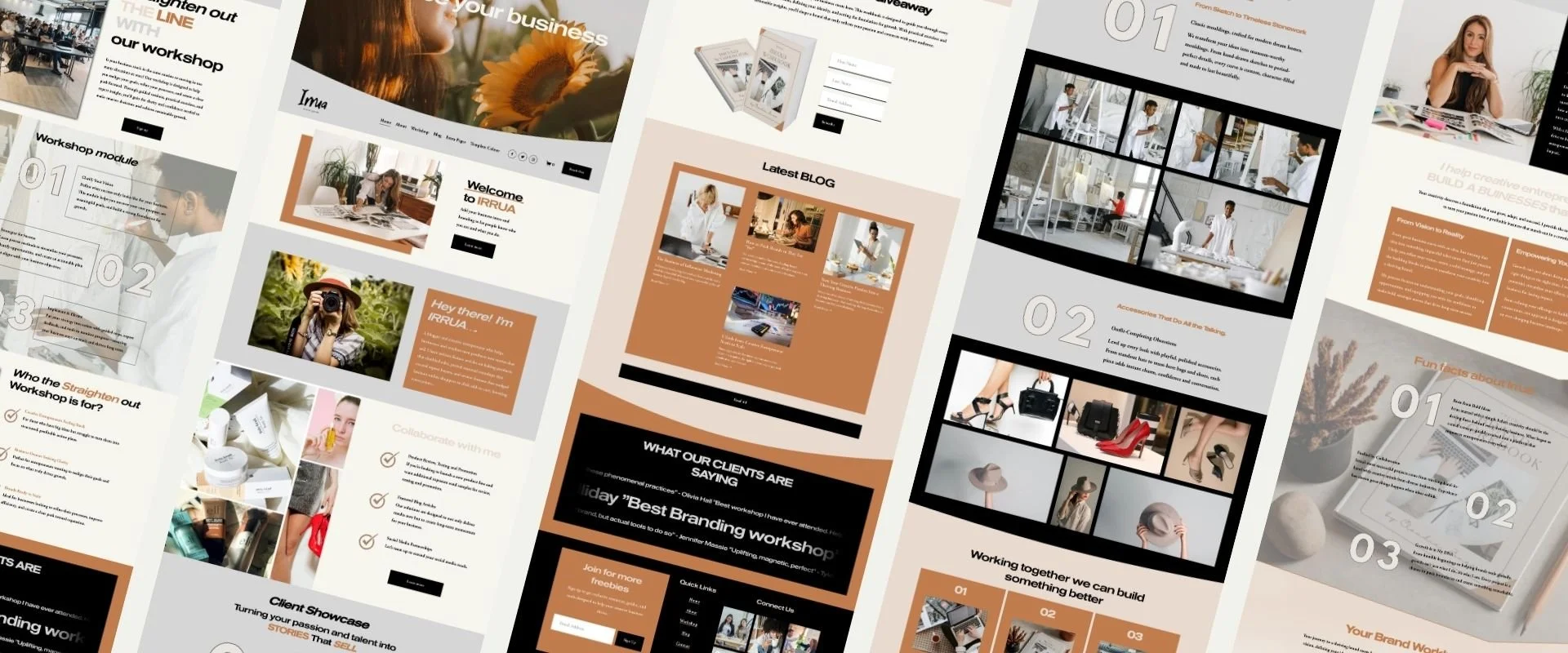
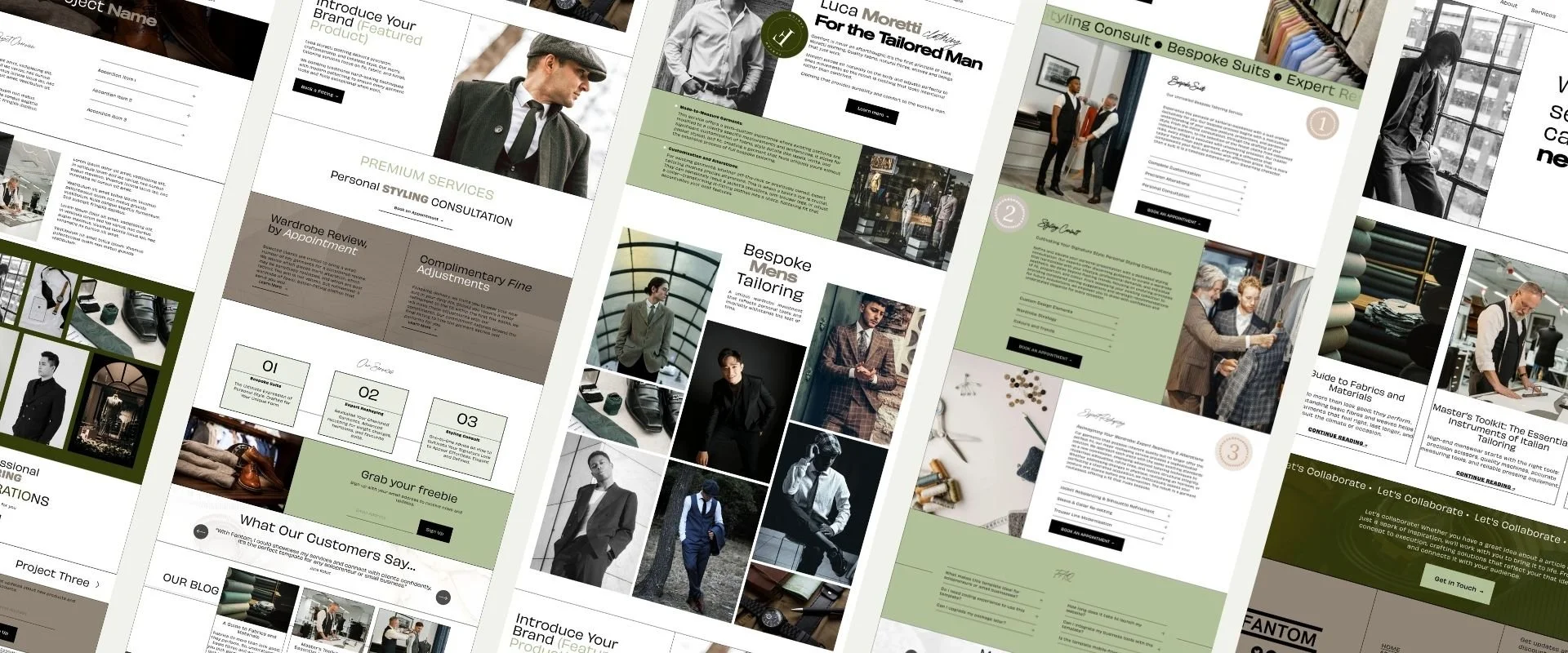
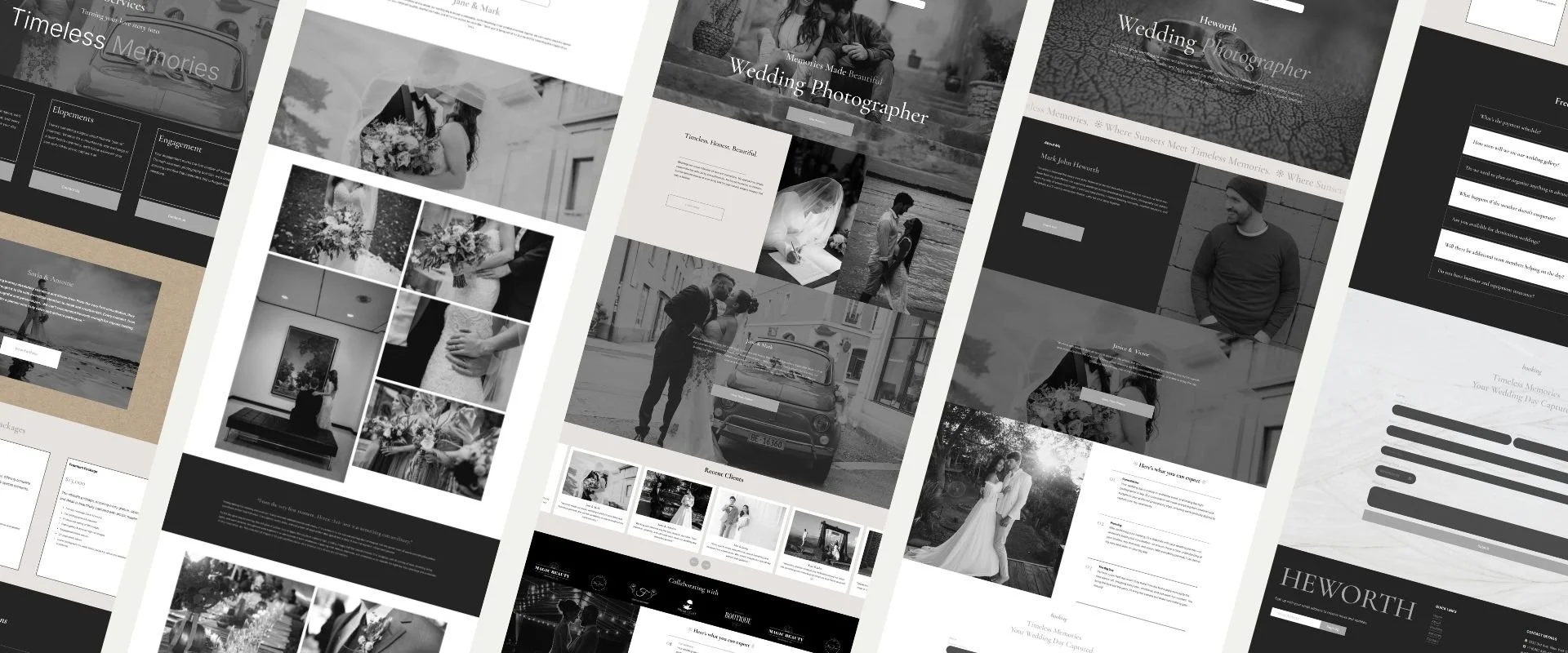
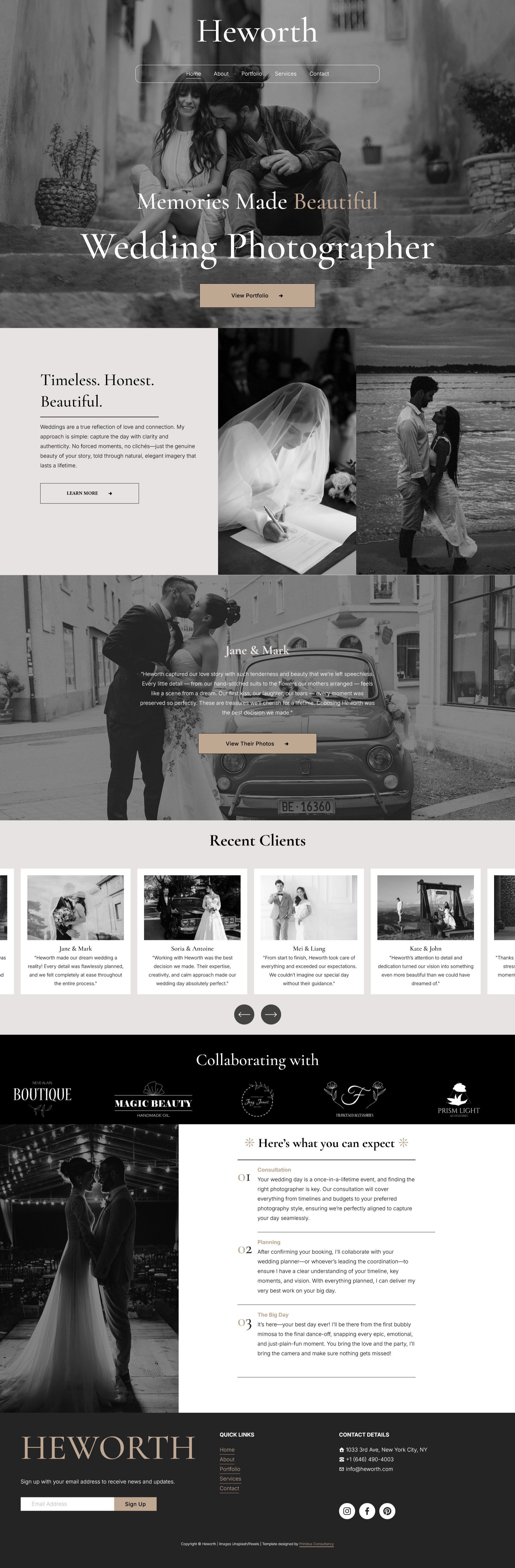
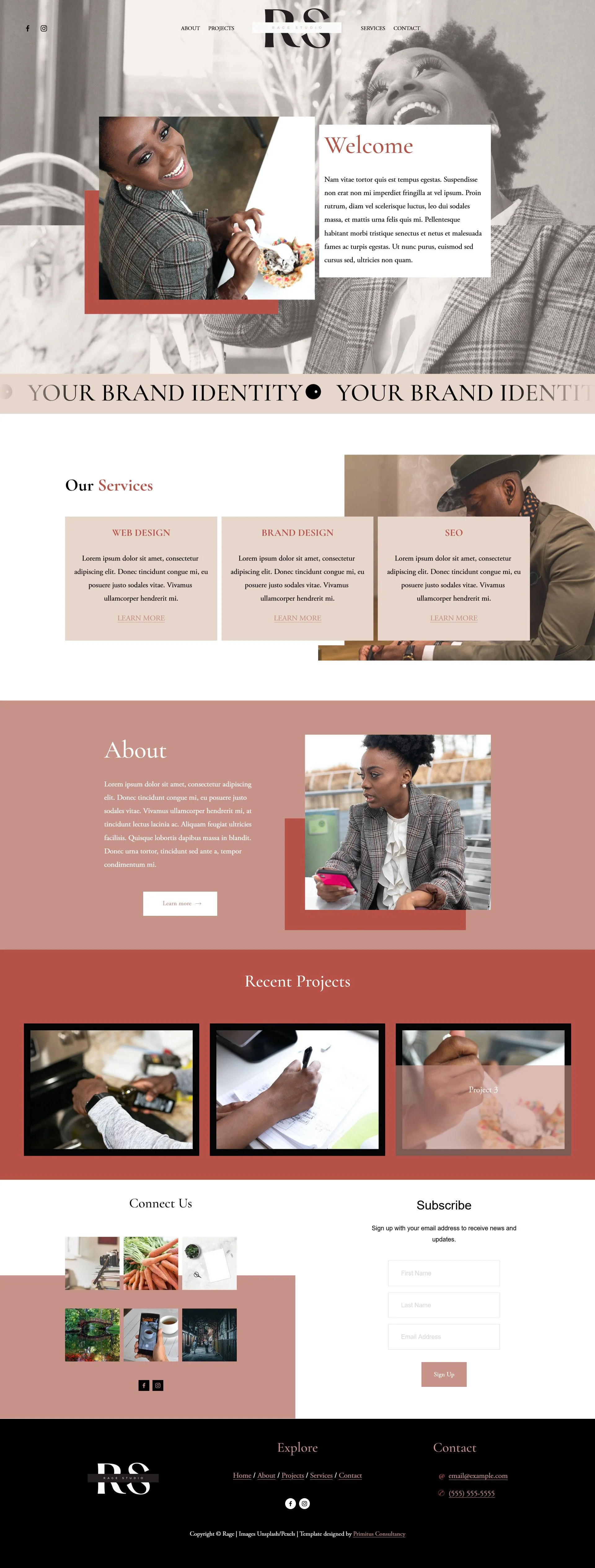
Some of Our Templates
-
![An image of Heworth template]()
Heworth
-
![An image of Rage template]()
Rage
-
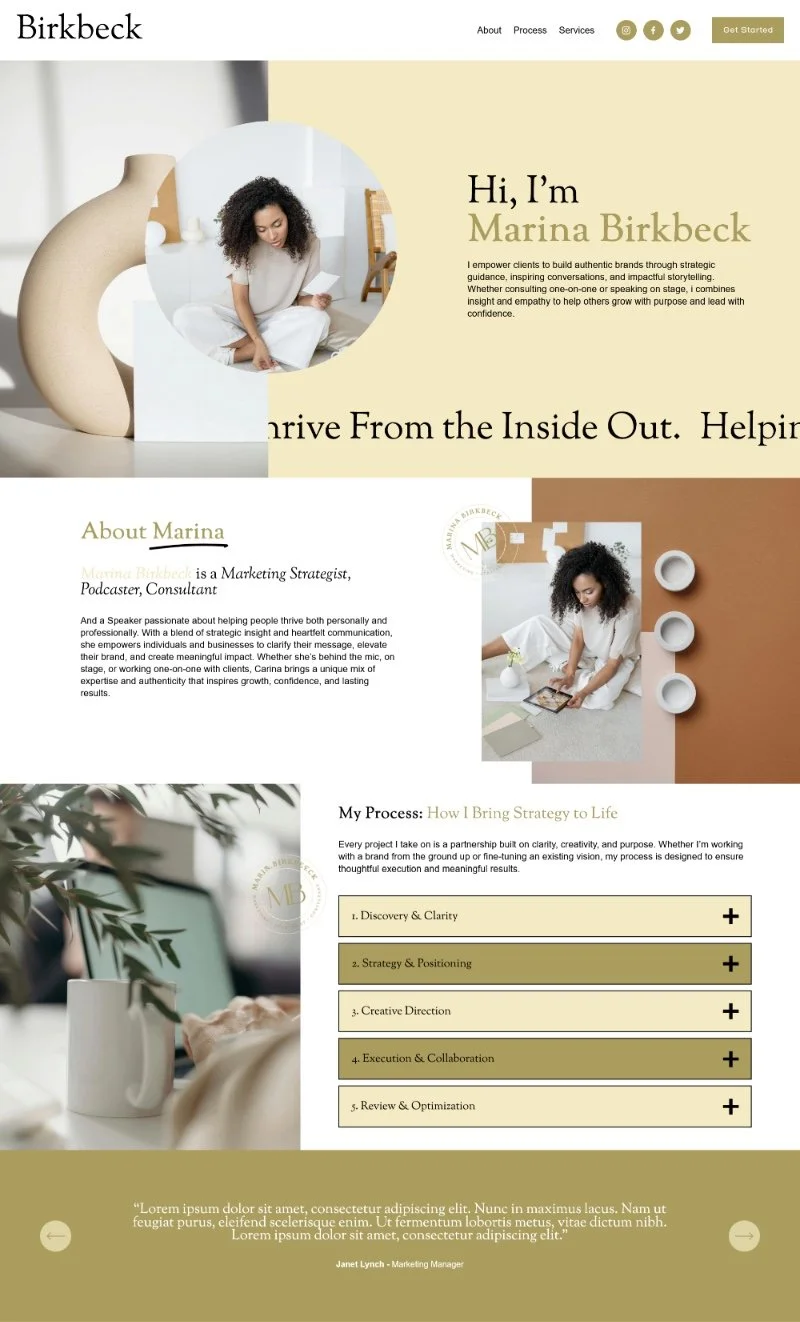
![An image of Birkbeck template]()
Birkbeck
-
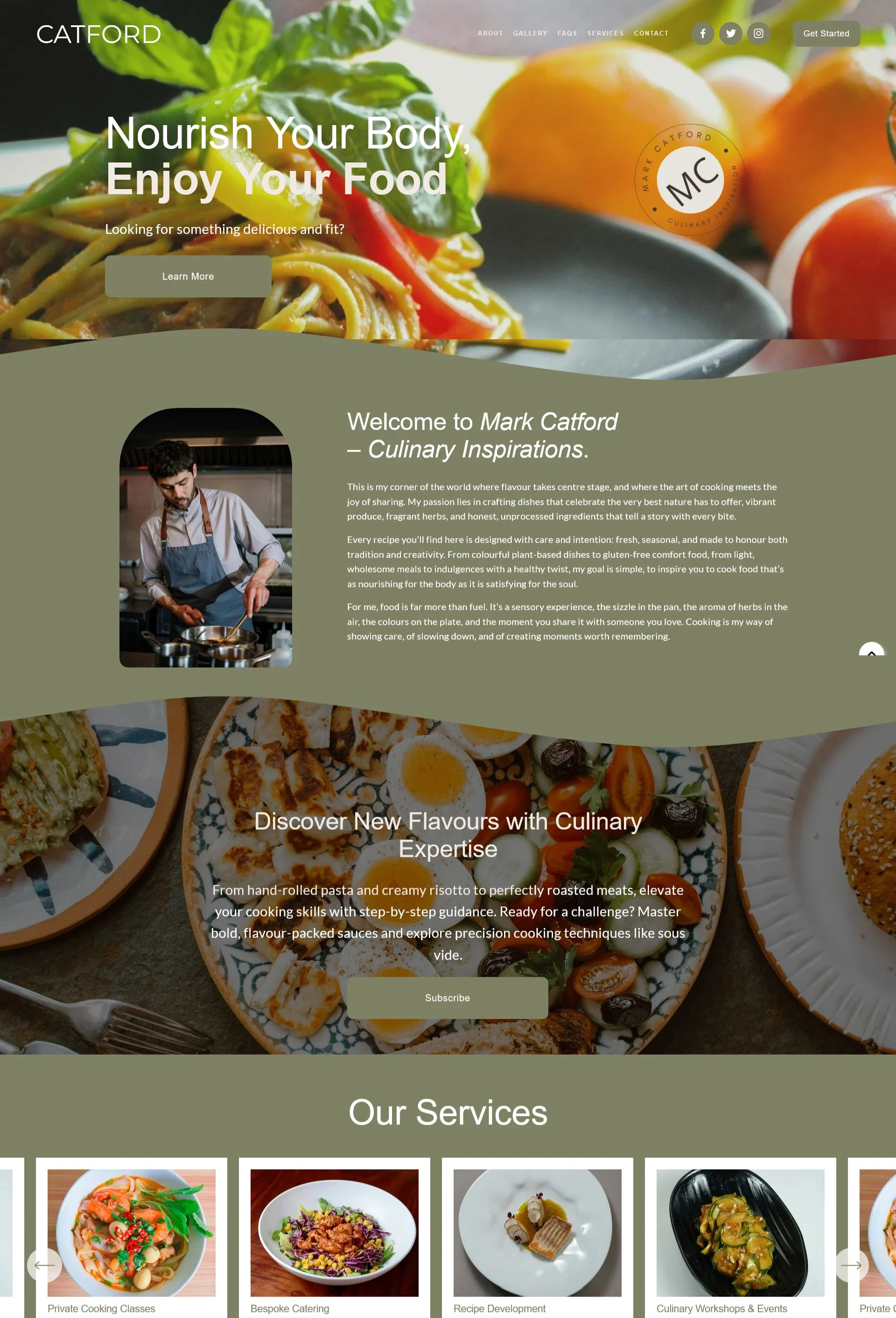
![The image of Catford template]()
Catford
-
![The image of Alumina template]()
Alumina

How IGH Creations Plugins Work
CUSTOM SQUARESPACE PLUGINS
Our range of Squarespace Plugins are mobile friendly and fully customisable Squarespace extensions that will elevate your site design and improve functionality. All our plugins include a step by step installation guide and technical support.
Please note plugins are digital products and, as such, cannot be refunded or exchanged. Therefore, we advise reading all plugin information provided before purchasing. If you have any questions, please contact us here. contact us.
Frequently Asked Questions
-
Our plugins are primarily designed for Squarespace 7.1. Some plugins may also work with Squarespace 7.0, and this compatibility will always be clearly indicated within the individual plugin description.
If you’re unsure whether a plugin will work with your template, we recommend reviewing the plugin details before purchasing.
-
Yes. All of our plugins are fully responsive and designed to display cleanly across desktop, tablet, and mobile devices, ensuring a consistent experience on any screen size.
-
Installation is simple. Just copy and paste the provided code into your Squarespace site. A step-by-step installation guide is included in the download files to walk you through the entire process.
-
Yes. Some of our plugins offer customization options, allowing you to adjust settings to suit your needs. Any available customization features will be clearly outlined in the plugin description.
-
No, it is set up to be copied and pasted. Simply follow the step-by-step installation guide that is included with the download files.
-
Yes, we provide plugin installation service for an additional cost at checkout.
-
No. This plugin license is valid for one website only. If you would like to use the plugin on multiple sites, you will need to purchase a multi-site license.
-
Once purchased you'll get a welcome document with instructions on how to install it. Also, an instructional video will also help walk you through how to install the plugin.
-
To use our plugins, you must have a Squarespace Core Plan or higher. This ensures full functionality and compatibility with your site.
-
The plugin is cloud-hosted, so minor updates are applied automatically. If Squarespace introduces a major breaking change, a new version of the plugin will be released and access will be provided. An email notification will be sent with instructions on how to update the plugin script to use the latest version.
-
No. This plugin is a digital product and as such it cannot be returned.
-
Unfortunately we cannot guarantee compatibility with third party code based on potential conflicts within the ways they are written or the functionalities they provide.
-
Our plugin should not have a noticeable impact on your site’s performance. Squarespace itself loads and processes thousands of lines of code to render a page, so the additional code introduced by the plugin is relatively minimal. It is also best practice to stay within Squarespace’s recommended limits for the number of sections and blocks on a page to ensure optimal performance.
Some of Our Plugins
-
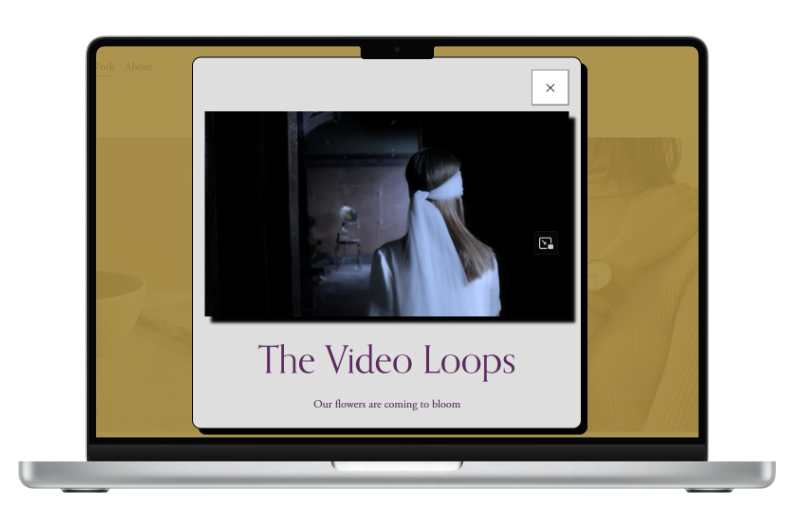
![A laptop displaying a webpage with a pop-up video window showing a woman with long hair wearing a white blindfold. The webpage title is "The Video Loops" with the subtitle "Our flowers are coming to bloom."]()
Opening Scene
-
![Laptop screen displaying logos of various universities and organizations including JMU, Southside, The Gloucester Institute, Old Dominion University, and Hampton University.]()
Scrolling Logo
-
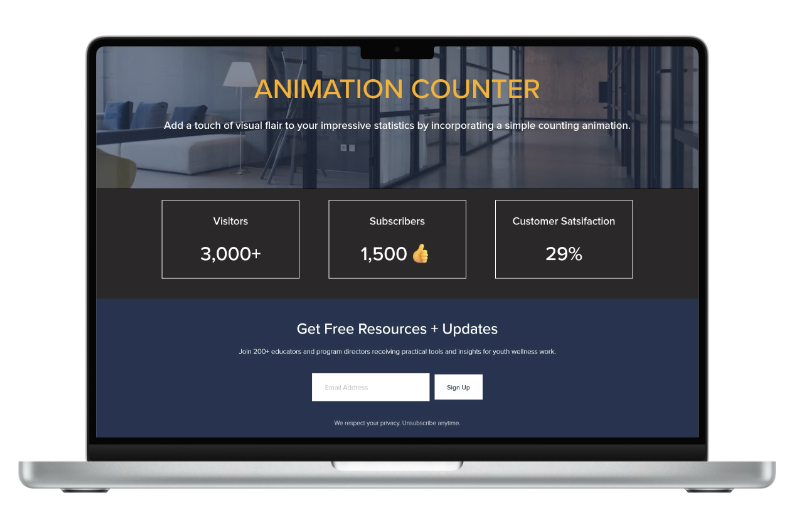
![Laptop screen displaying a webpage titled "Animation Counter" with stats: visitors 3000+, subscribers 1500 with a thumbs-up icon, and customer satisfaction 29%. Below is a section to sign up for free resources with an email field and sign-up button.]()
Animated Counter
-
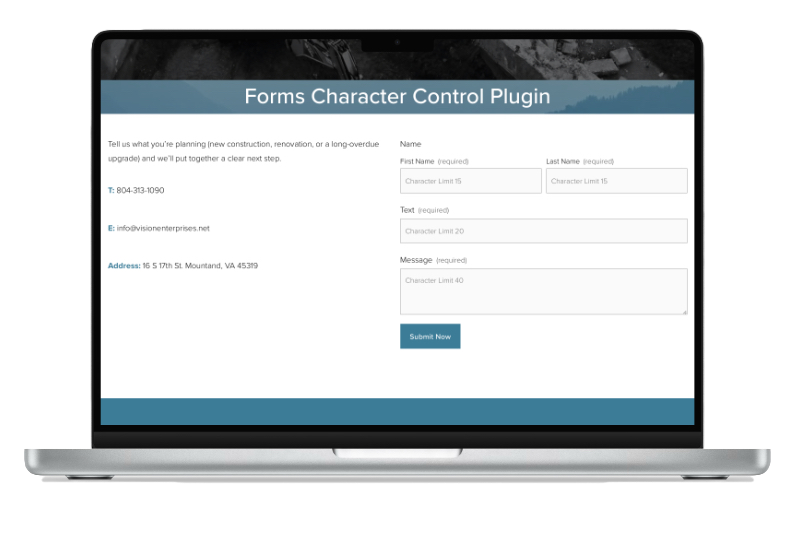
![Screenshot of a laptop displaying a web form titled 'Forms Character Control Plugin' with fields for name, text, and message, and contact information including a phone number, email, and address.]()
Forms Character Control
-
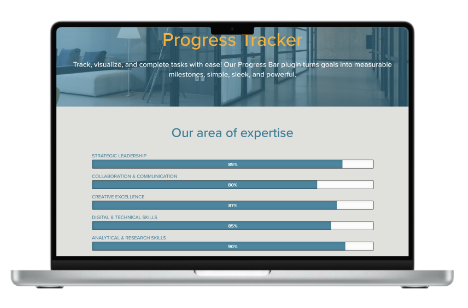
![Laptop screen displaying a progress tracker with categories and percentages, titled 'Progress Tracker' with a background of a modern office.]()
Progress Tracker