Plugin Installation
Want the plugin, but short on time? Let us set up the plugin for you.
Whether you're busy running your business or delivering sites for clients, you don't need to spend your afternoon troubleshooting code. We'll set up, style, and test your chosen plugin so it works seamlessly with your design.
Cost - $50
This Service is Ideal if…
You already have a Squarespace website or active subscription
You want us to install and configure one of our plugins for you
Plugin Installation Service
Perfect if you've purchased one of our Squarespace plugins and would like it professionally installed and configured on your website.
-
Professional installation of your plugin on your Squarespace website
Plugin configuration and setup
Styling to match your existing website where applicable
Testing across desktop and mobile devices
Compatibility check with your current Squarespace 7.1 website
Guidance on using the plugin after installation
Post-installation support for any installation-related issues
-
Plugin purchase (must be purchased separately)
Custom modifications or new feature development
Major design or layout changes to your website
Installation of third-party integrations or external services
Content creation or updates (text, images, products, blog posts, etc.)
Squarespace troubleshooting unrelated to the plugin
Ongoing website maintenance or support beyond the installation period
Need More Clarity?
-
Our plugins are primarily designed for Squarespace 7.1. Some plugins may also work with Squarespace 7.0, and this compatibility will always be clearly indicated within the individual plugin description.
If you’re unsure whether a plugin will work with your template, we recommend reviewing the plugin details before purchasing.
-
Yes. All of our plugins are fully responsive and designed to display cleanly across desktop, tablet, and mobile devices, ensuring a consistent experience on any screen size.
-
You will receive instant access to your plugin once payment is confirmed.
-
Installation is simple. Just copy and paste the provided code into your Squarespace site. A step-by-step installation guide is included in the download files to walk you through the entire process.
-
Yes. Some of our plugins offer customization options, allowing you to adjust settings to suit your needs. Any available customization features will be clearly outlined in the plugin description.
-
No, it is set up to be copied and pasted. Simply follow the step-by-step installation guide that is included with the download files.
-
Yes, we provide plugin installation service for an additional cost at checkout.
-
No. This plugin license is valid for one website only. If you would like to use the plugin on multiple sites, you will need to purchase a multi-site license.
-
Once purchased you'll get a welcome document with instructions on how to install it. Also, an instructional video will also help walk you through how to install the plugin.
-
To use our plugins, you must have a Squarespace Core Plan or higher. This ensures full functionality and compatibility with your site.
-
The plugin is cloud-hosted, so minor updates are applied automatically. If Squarespace introduces a major breaking change, a new version of the plugin will be released and access will be provided. An email notification will be sent with instructions on how to update the plugin script to use the latest version.
-
No. This plugin is a digital product and as such it cannot be returned.
-
Unfortunately we cannot guarantee compatibility with third party code based on potential conflicts within the ways they are written or the functionalities they provide.
-
Our plugin should not have a noticeable impact on your site’s performance. Squarespace itself loads and processes thousands of lines of code to render a page, so the additional code introduced by the plugin is relatively minimal. It is also best practice to stay within Squarespace’s recommended limits for the number of sections and blocks on a page to ensure optimal performance.
Browse Some of Our Plugins
-
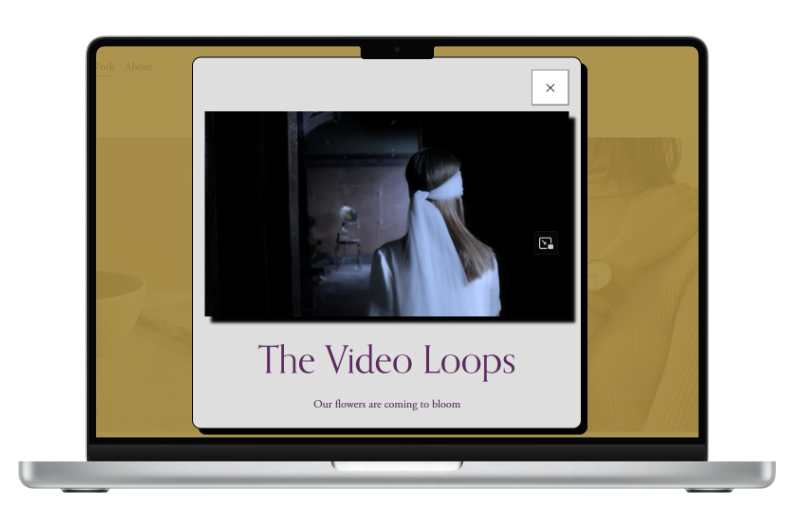
![A laptop displaying a webpage with a pop-up video window showing a woman with long hair wearing a white blindfold. The webpage title is "The Video Loops" with the subtitle "Our flowers are coming to bloom."]()
Opening Scene
-
![Laptop screen displaying logos of various universities and organizations including JMU, Southside, The Gloucester Institute, Old Dominion University, and Hampton University.]()
Scrolling Logo
-
![Laptop screen displaying a webpage titled "Animation Counter" with stats: visitors 3000+, subscribers 1500 with a thumbs-up icon, and customer satisfaction 29%. Below is a section to sign up for free resources with an email field and sign-up button.]()
Animated Counter
-
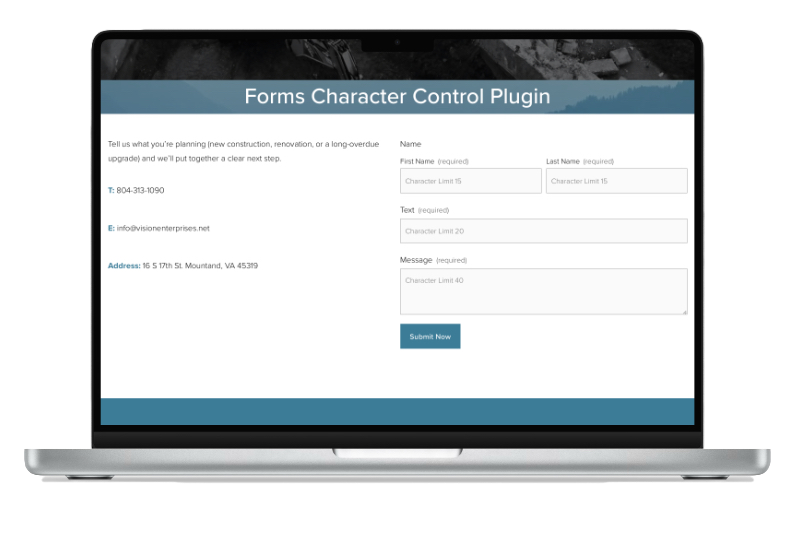
![Screenshot of a laptop displaying a web form titled 'Forms Character Control Plugin' with fields for name, text, and message, and contact information including a phone number, email, and address.]()
Forms Character Control
-
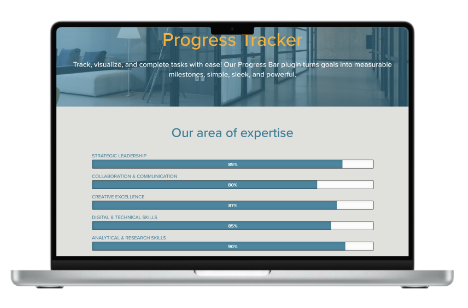
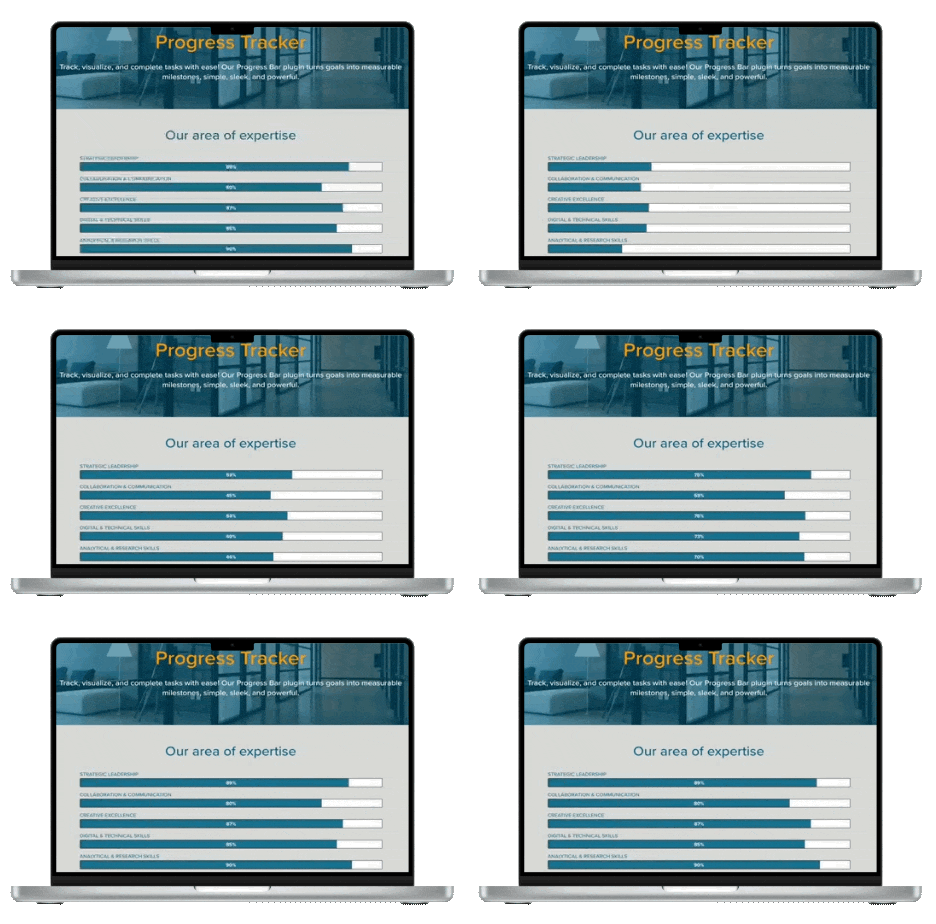
![Laptop screen displaying a progress tracker with categories and percentages, titled 'Progress Tracker' with a background of a modern office.]()
Progress Tracker